
Switching
The Hevy and Strong alternative that brings your history along.
Looking for a Hevy alternative or a Strong alternative, but don’t want to lose the workouts you’ve logged? Gainsmith imports the CSV export from both apps. Exercises, sets, weights and times come along, and your very first workout starts with your last numbers.
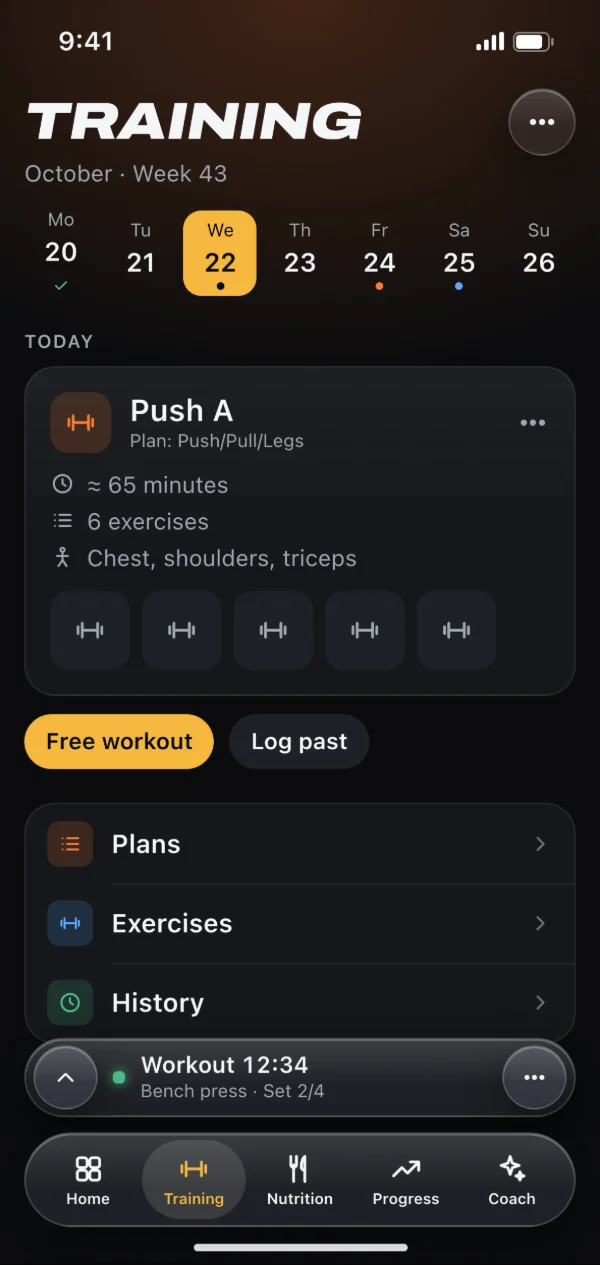
How the move works
Hevy and Strong both let you export your workouts as a CSV file from their settings. Open that file in Gainsmith under Settings → Data & backup → “Import workouts (Hevy, Strong)”. Gainsmith recognises the format from the header row, so there’s nothing to choose. Files up to 20 MB are fine.
Every exercise in its place
Each exercise name in the file appears once, with its number of sets and a suggestion from the catalog of over 1,700 exercises or from your own. Confident matches stay calm, uncertain ones turn yellow, missing ones red. A tap opens the picker, “Skip” leaves an exercise out, and one button creates all open ones as custom exercises. On the next import from the same device, Gainsmith already knows your choices.
What comes along
Each workout arrives as a finished session with the date and time from the file, with its title and description as a note. Before importing, a summary shows how many workouts and sets come from which period, and what stays out and why, such as impossible values. If the file doesn’t name a unit, you pick kg or lb.
- Weight and reps for every working set
- RPE becomes RIR, and a set to failure gets RIR 0
- Drop sets stay drop sets, warm-up sets stay out
- Workouts you already have are recognised and not added twice
On your device, no AI
The import runs entirely on your device. The file itself never leaves it, and no AI is involved. Only the finished workouts are then synced to your devices through your account, like all the others. You see the progress while it runs. If it stops halfway, whatever was written stays, and a second run with the same file only adds the rest.
Then you just keep going
With your history imported, “Last time”, your PRs and the charts for each exercise are there from day one, and the coach has data to work with. Set up a plan with your training days and carry on. Imported workouts don’t earn XP in the community.
How to get started
Export your workouts from Hevy or Strong as a CSV file.
Open Gainsmith in your browser, sign in and load the file under Settings → Data & backup.
Check the yellow and red exercises, start the import and keep training with your old numbers.
Frequently asked questions
Do I need an account to import?
Can I import more than once?
What about exercises Gainsmith doesn’t know?
Do my routines come along too?
Am I locked into Gainsmith afterwards?
Related features
Workout tracker
Plans with progression, sets prefilled with your last numbers and PRs for every exercise. Plus a way over from Hevy or Strong.
Fitness tracker
Weight, body fat, measurements and photos with history and trend. Plus your streak, your year at a glance and a weekly review.
Private fitness app
Your data on your device first, no ads and no trackers. Cloud photos and AI only when you use them.
Try it with your next workout.
Gainsmith is free in your browser, with no ads and no tracking. All your account needs is an email address. The iPhone and Android apps are on their way.