
Supplements
The supplement tracker inside your training app.
Creatine in the morning, vitamin D at night, whey after training: with the supplement tracker in Gainsmith you add what you take and check it off each day. You see how consistent you’ve been and when you’re running low. The app makes no recommendations; it only stores what you enter.
Set up in seconds
To get going there are nine templates, including creatine, whey, vitamin D3, omega-3, magnesium and caffeine, each with a dose and unit already filled in for you to adjust. Or you create your own. Every supplement has a dose with a unit, up to four times of day or “No fixed time”, and the weekdays it’s due.
- Nine templates or a supplement of your own
- Doses in g, mg, µg, ml, IU, capsules, tablets, scoops, drops or servings
- Up to four times a day on the weekdays you choose
- A note per supplement, for example on how you take it
Check off every day
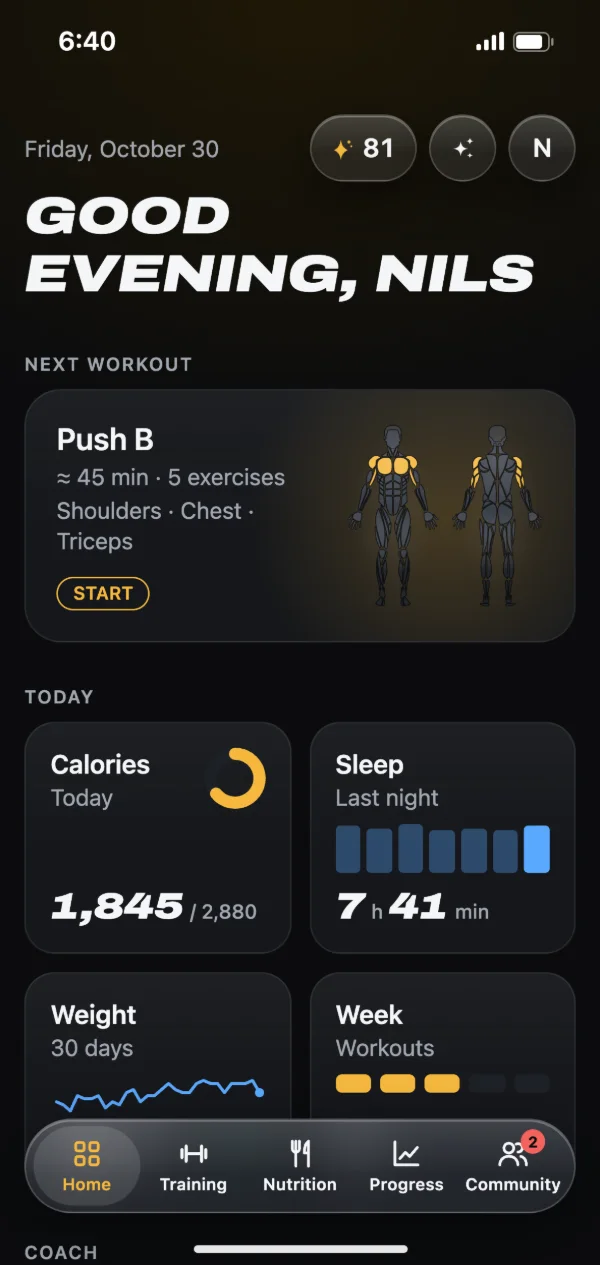
In the nutrition tab, below your meals, you see the supplements due today, sorted by time. One tap on the check mark and you’re done; a second tap takes it back. Forgot yesterday? Switch to an earlier day and fill it in; future days stay locked. On the home screen, an optional card shows how many you’ve taken today, such as “2 of 3”.
Stock and consistency
Enter a stock and each check-off takes one dose away. Once it’s down to a week or less, you see something like “About 6 days left”, and “Empty” at zero. After buying more, tap “Refilled”. The overview shows a calendar of the last four weeks and, for each supplement, on how many days you took it. Gainsmith doesn’t mark missed days in red.
Your whey counts too
If a supplement has calories, a protein shake for example, enter its nutrition per dose and switch on “Count in the diary”. Each check-off then adds an entry to the meal at that time of day, counting towards your calories and macros. Take the check back and the entry goes too. No need to log the shake twice.
What the app adds
Gainsmith doesn’t send reminders in the browser. With the phone app you get one bundled notification per time of day with every supplement due then, such as “Creatine 5 g · Vitamin D3”. The iPhone app adds a widget so you can check things off right on your home screen. The calendar, the stock and the daily check-offs are already in the browser today.
How to get started
Open Gainsmith in your browser and go to “Supplements” in the nutrition tab.
Pick a template or create your own supplement with dose, time and stock.
Check off what you took each day, and look at the calendar after a few weeks.
Frequently asked questions
Does Gainsmith tell me which supplements to take?
Do I need the nutrition tab to track supplements?
Does the reminder still come if I’ve already checked it off?
What happens when I delete a supplement?
Can I pause a supplement for a while?
Related features
Calorie counter
Search foods, type in a barcode or describe your meal. Calories and macros with goals for training and rest days.
Fitness tracker
Weight, body fat, measurements and photos with history and trend. Plus your streak, your year at a glance and a weekly review.
Private fitness app
Your data on your device first, no ads and no trackers. Cloud photos and AI only when you use them.
Try it with your next workout.
Gainsmith is free in your browser, with no ads and no tracking. All your account needs is an email address. The iPhone and Android apps are on their way.