
Your data
A private fitness app: no ads, no trackers.
Gainsmith is a private fitness app with no ads and no trackers. Your training, nutrition and body stats live on your device first, and your account backs them up on our server in Germany. Here’s, in plain words, what goes where once you use more.
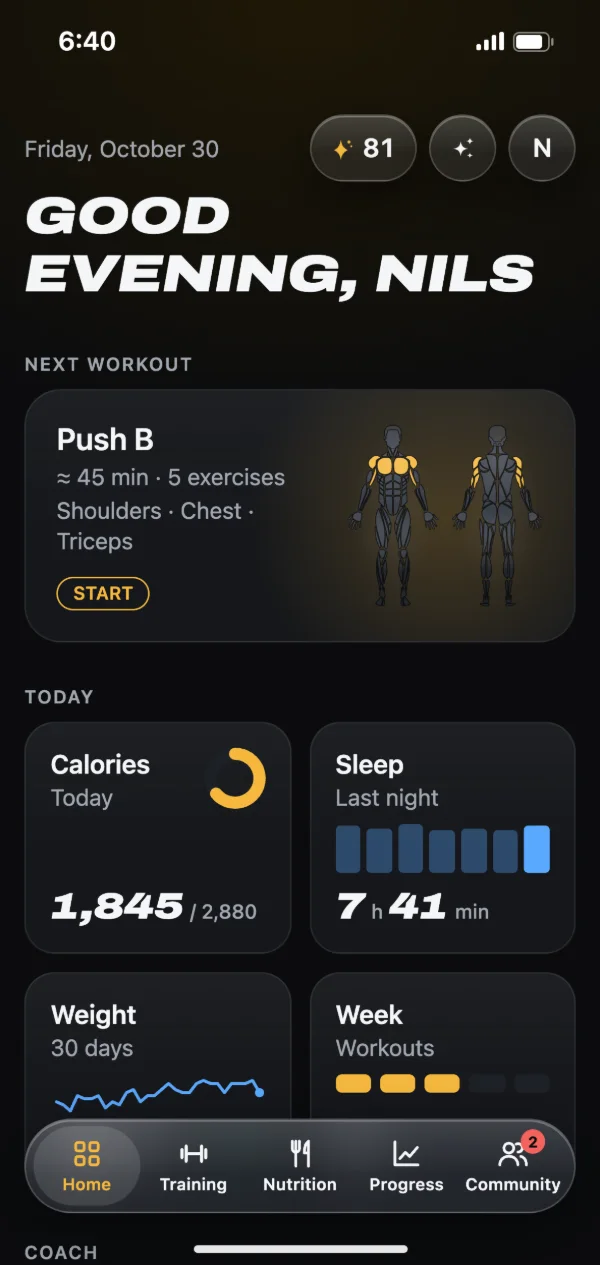
Local-first: your device comes first
The web app stores your training, nutrition and body stats in your browser. Your account only needs an email address, where we send a sign-in code, or Google, no password. It backs up your data and keeps your devices in sync. On top of that you can export a backup file or individual CSV files at any time.
No ads, no analytics
This website has no cookies, no ads and no analytics tools. Everything it loads, fonts and images included, comes from our own server; it doesn’t pull in Google Fonts or a third-party CDN. The web app only sets cookies to keep you signed in, because that’s technically required. With an account, the server only notes which day you were active, without the time or what you did, and deletes that note after 31 days.
Sync through our server in Germany
Through your account, Gainsmith syncs your data through its own server so your browser and phone show the same thing. The website, web app and server run at Hetzner in Germany. Your data includes health data such as workouts, weight or sleep, and for that Gainsmith also relies on your explicit consent under the GDPR, which you give when you create your account and can withdraw at any time. Delete your account and we delete your data on the server.
Photos and AI only when you use them
Progress photos stay on your device. Only when you switch on “Photos in the cloud” are they also kept at Cloudflare R2, in storage under EU jurisdiction: private, encrypted and without public links. Gainsmith only uses AI with an account: when you start an AI feature yourself, such as logging a meal by photo, and for the coach while the “Training coach” is on. Then only what needs to be analysed goes through our server to Claude by Anthropic in the USA.
- Photos in the cloud: off at first, and set per device
- Health values go to the coach only after you tap “Allow”
- Questions to the coach about photos only with consent, asked once per account
- The coach’s memory is off at first, and switching it off deletes every fact
Food search and community
For the online food search, our server queries the databases. Only the search term or barcode goes out, not your account and not your IP address. The community is optional and open from age 16. If you don’t join, you don’t show up there, and profiles are only visible to signed-in members, never on the open web.
How to get started
Open Gainsmith in your browser and create a free account with your email address or Google. Your data lives in your browser first.
Sign in with the same account on your other devices. You can save a backup file on top whenever you like.
Turn on only what you need: cloud photos, AI features and the community are all optional.
Frequently asked questions
Does the GDPR apply to Gainsmith?
What happens to my data in the browser if I don’t visit for a while?
Does Anthropic see my photos?
Can I delete everything?
What do the operators see of my account?
Related features
Fitness community
A feed, likes and comments with people you follow, plus XP, leaderboards and a gym buddy with a shared weekly streak.
AI fitness coach
Suggestions on sets, deloads and your calorie goal, each with a reason. Fixed rules first, AI for plateaus and photos.
Hevy and Strong alternative
Import the CSV export from Hevy or Strong, match your exercises and keep training with your full history.
Try it with your next workout.
Gainsmith is free in your browser, with no ads and no tracking. All your account needs is an email address. The iPhone and Android apps are on their way.